

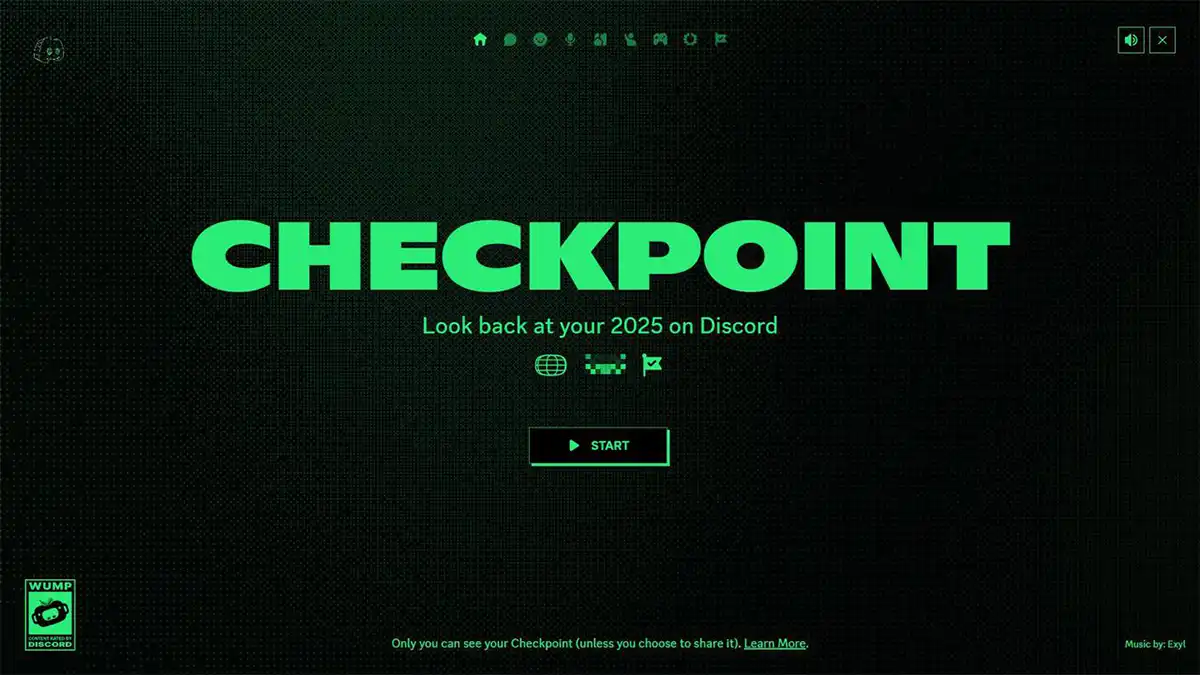

In late 2025, Discord rolled out a brand-new feature called Discord Checkpoint — the platform’s first-ever “year-in-review” recap. Much like “Spotify Wrapped,” Checkpoint reflects your Discord activity over the past year and highlights your most memorable interactions. Whether you chat, voice-call, game, or hang out across servers — Checkpoint gives you a personalized summary.
If you’re curious what your 2025 looked like on Discord, here’s everything you need to know about Checkpoint 2025: what it includes, how to access it, why it matters — and common issues if you can’t see it.
What Is Discord Checkpoint?
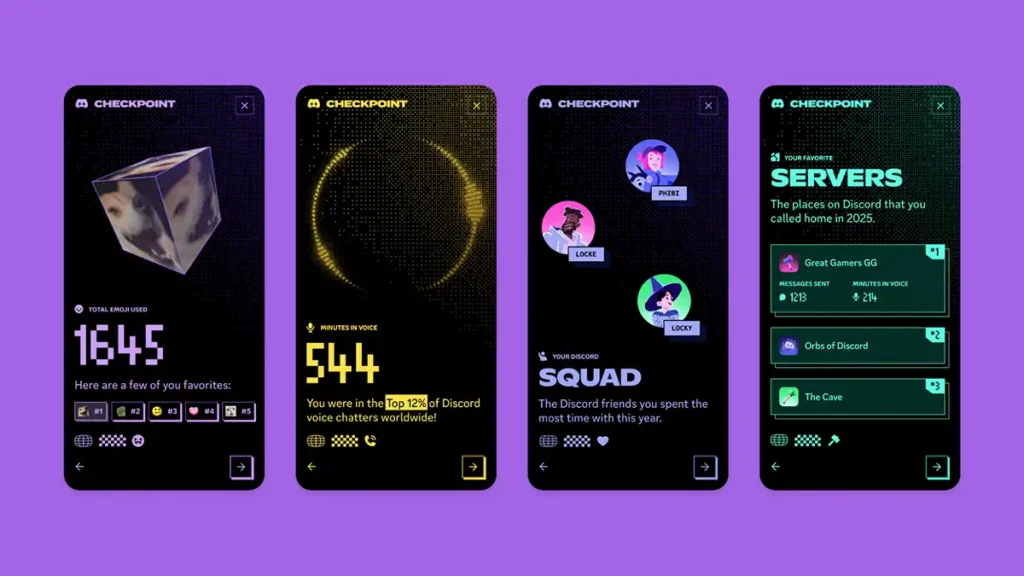
Discord Checkpoint is a year-end recap that shows key stats about your 2025 use of the platform. The idea: let users revisit their year of conversations, gaming sessions, voice chats, servers, and more — packaged in a fun, shareable summary card.
What’s included in your Checkpoint:
- Total number of messages sent (in servers and DMs) in 2025.
- Total time spent in voice channels — how many hours you hung out chatting, gaming, or just listening in 2025.
- Your most-used servers and communities — where you spent the most time.
- Your top emoji used over the year — showing which reactions you spammed the most.
- The friend or DM contact you hung out with the most.
- A personalized “Checkpoint card” + an exclusive avatar decoration, to show off on your profile until January 15, 2026.
Essentially, it’s a digital time capsule — capturing what your Discord year looked like, from chats and calls to servers and friendships.
When Did Checkpoint 2025 Roll Out?
According to Discord, the rollout began on December 4, 2025. From that date onward, users started receiving access to their personalized recaps.
Because Discord serves millions worldwide, the rollout is gradual. That means Checkpoint might not appear for everyone immediately — even if you’re active.
How to View Your Discord Checkpoint 2025
Here’s how to check your recap:
- Desktop / Web version: Open Discord; look for a flag-icon (usually top-right). If Checkpoint is available, clicking it will open your summary.
- Mobile (iOS / Android): Update the app to the latest version, then go to the “You” tab (bottom-right). If Checkpoint has rolled out to you, you’ll see a banner there.
If Checkpoint doesn’t show up: don’t worry — there are common reasons and fixes (see below).
Why You Might Not See Your Checkpoint (and What to Do)
Some users are finding that Checkpoint isn’t available — even though they use Discord often. Here are the main causes:
- Data personalization setting is turned off. Discord only generates Checkpoint recaps for users who have enabled “Use data to personalize my Discord experience.” If this was off in 2025, no recap will be generated (and turning it on now won’t retroactively create one).
- Outdated app version. You need the latest Discord release to get the Checkpoint option. Update via App Store / Google Play or desktop client.
- Low activity in 2025. If your usage was minimal — few messages, little or no voice chat — Discord may skip generating a recap.
- Rollout not completed for your account yet. Due to gradual rollout, some accounts receive Checkpoint later than others. If it doesn’t appear immediately, wait a few days and retry.
In short: update Discord, ensure data-tracking is enabled, and hope your 2025 activity was enough — then Checkpoint will likely appear soon.
Why Discord Checkpoint Matters
• Personal Year-in-Review
It’s a chance to reflect: which servers you spent most time in, who your top friends were, how many messages you sent — basically, a digital memory of your year.
• Shareable & Fun
With a unique avatar decoration and a “Checkpoint card,” you can show your stats in servers or on social media, just like you do with music recaps.
• Community Engagement
Checkpoint can kickstart nostalgia, discussion, or simply friendly competition among friends: “Look how many hours I spent in voice chat!”
• Encourages Activity & Retention (For Discord)
From Discord’s perspective, Checkpoint incentivizes users to stay active throughout the year — it fosters engagement and community participation.
Tips to Make the Most of Your Checkpoint
- Share your recap: If you want to, show your Checkpoint card in servers or with friends to compare 2025 stats.
- Screenshot & archive: The recap is only available temporarily (until January 15, 2026). Save a screenshot if you want a permanent record.
- Enable data personalization now: Even if you missed 2025 Checkpoint, turning on data personalization ensures you’ll get ready for 2026’s recap.
- Stay active (if you care about future recaps): Frequent chatting, gaming, and server participation will give you richer summaries.
- Respect privacy: Only you see your Checkpoint by default. Sharing is optional — and if you are privacy-conscious, avoid posting sensitive info.
Final Thought
Discord Checkpoint 2025 is a fun, nostalgic, and useful way to see how you spent your time on Discord this year. Whether you messaged your best friend nonstop, spent hours gaming with guildmates, or just hung out in voice channels, Checkpoint captures it all — and gives you a personalized summary you can save or share.
If you haven’t seen your recap yet, double-check your settings, update the app, and give it a few days. And if you get your Checkpoint — enjoy the trip down memory lane, take a screenshot, and maybe share with your friends.
